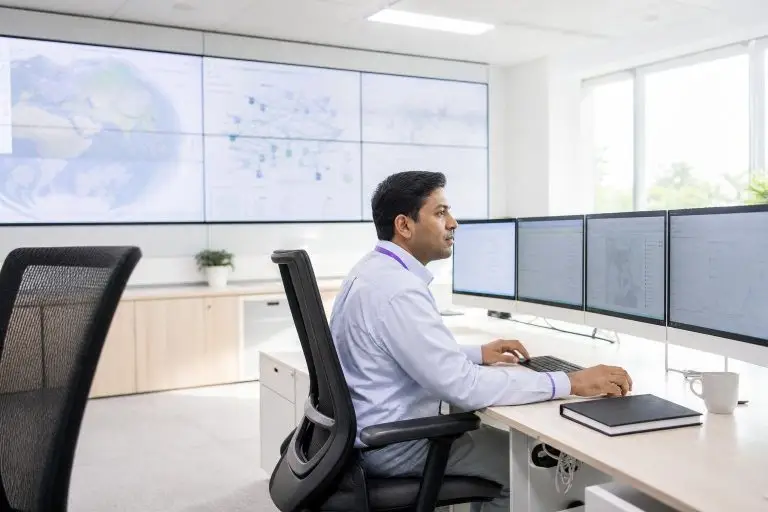

A bare metal server is a physical machine assigned to one customer without a provider-managed multi-tenant hypervisor between that customer and the hardware. The customer may still install a hypervisor, containers, or virtual machines on the server. When you rent one, the provider assigns the physical machine to your workload. Billing, provisioning speed, customization options, and management scope still vary by provider.
The term "bare metal" refers to the absence of a virtualization layer between your software and the underlying hardware. On a standard virtual server, a hypervisor manages multiple isolated environments on one physical machine. That abstraction adds flexibility but also introduces overhead and the risk of resource contention — commonly called the noisy neighbor effect — where another tenant’s spike in activity degrades your performance. On a bare metal server, that layer simply does not exist.
Your workload communicates directly with the hardware, which is why latency is lower and throughput is more consistent under sustained load. Understanding this distinction matters before you evaluate any hosting plan.
What Is a Bare Metal Server? Definition and First Principles
A bare-metal server is a physical machine allocated to one customer rather than a virtual machine running on provider-shared hardware. The customer may run an operating system directly on the machine or install a hypervisor for its own virtual machines.
The practical consequence becomes visible under sustained load. A virtual machine operates under a hypervisor that manages access to physical resources. Modern hardware-assisted virtualization can keep overhead low, but scheduling, resource allocation, and storage or network virtualization may still affect performance depending on the platform. Bare metal removes the provider’s hypervisor and unrelated tenants from the local host when the operating system runs directly on the machine. Whether this produces a meaningful advantage must be established through equivalent workload testing.
The hardware ceiling you encounter is the actual hardware ceiling, not an artificially lowered one imposed by shared infrastructure.
The same architecture that removes performance overhead also simplifies compliance.
Whether that tradeoff justifies the cost depends on your workload profile, which the sections below address directly.
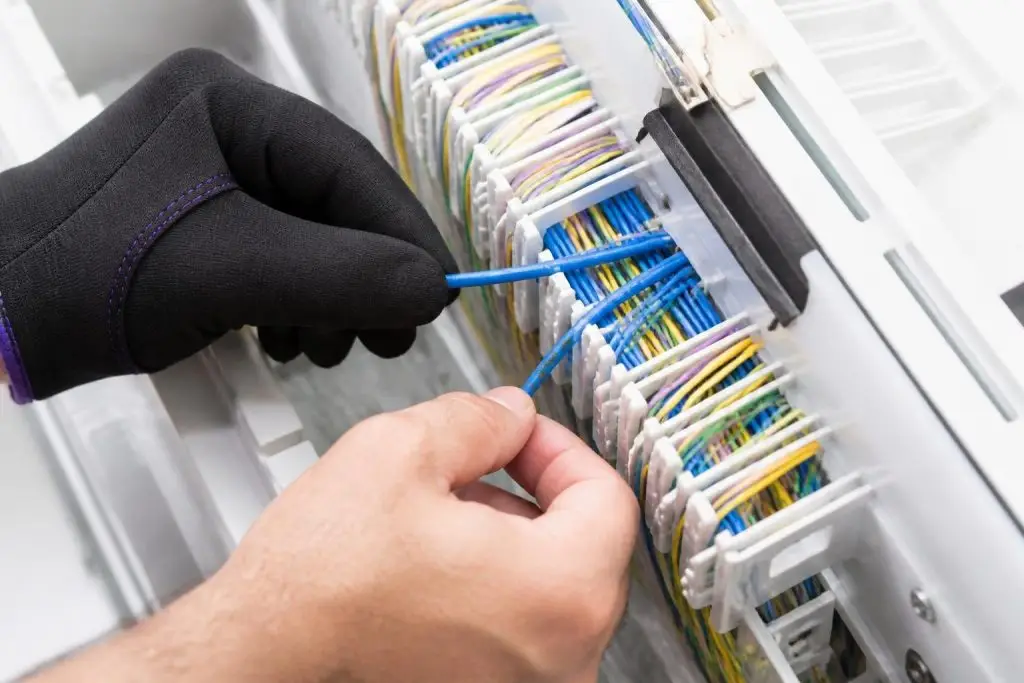
A hypervisor adds a resource-management layer whose performance impact depends on the platform, workload, allocation model, and level of host contention.
How Bare Metal Differs from Virtualized and Shared Hosting Environments
Virtualized environments insert a hypervisor between your application and the physical hardware. The hypervisor manages resource allocation across virtual machines. Best-effort products may experience host-level contention, while dedicated-vCPU, reserved-resource, and dedicated-host products can provide stronger isolation. Verify the allocation model and performance commitments of the specific service.
Shared hosting compounds this further by removing even nominal per-tenant guarantees, distributing CPU time and memory across dozens of simultaneous occupants.
Bare metal removes contention from unrelated tenants on the local host. Performance can still vary because of internal workload competition, operating-system scheduling, storage queues, network congestion, firmware behavior, power or thermal limits, and application design.
The practical consequence is predictability rather than raw speed. A high-throughput database query, a sustained encoding pipeline, or a financial matching engine running on bare metal may behave more predictably because unrelated provider tenants are absent, but operating-system scheduling, interrupts, firmware, storage queues, networking, and the workload’s own processes still affect performance. That consistency is also what makes single-tenant hardware meaningful for compliance.
If your workload requires either sustained throughput or defensible isolation, the architectural argument for bare metal is structural, not marginal.
Core Hardware Components You Need to Understand Before Choosing a Server
A bare metal server is built from four core hardware layers: the processor, memory, storage, and network interface. Understanding what each layer does — and how vendors describe it in spec sheets — lets you evaluate plans on substance rather than marketing language.
A dual-socket CPU configuration can deliver over 100 physical cores, fundamentally changing what workloads become practical.
- Socket count determines whether you get single or dual physical CPU configurations
- Core density per socket sets the ceiling for parallel thread execution
- Clock speed and cache size govern sequential task throughput per core
- RAM capacity and memory channel count affect how quickly data moves between CPU and memory
- Storage interface type (NVMe vs. SATA SSD vs. HDD) determines read/write latency and throughput
- RAID configuration affects both redundancy and effective storage performance
- Network interface speed and port count set the upper bound on data transfer rates
The processor specification matters most for compute-intensive workloads. Server-grade CPUs are described by socket count and core density. A single-socket server with a modern processor might offer 16 to 64 physical cores; a dual-socket configuration doubles that count, which benefits workloads that scale across parallel threads, such as video transcoding or AI inference.
Core count alone does not tell the full story: clock speed and cache size determine how quickly each core handles sequential tasks. Modern configurations in the dedicated server market typically feature server-grade processors from current or recent generations, designed specifically for sustained, continuous load rather than the burst performance prioritized in consumer chips.
ECC RAM — error-correcting code memory — is the standard for server environments. Unlike standard memory, it detects and corrects single-bit errors in real time, which prevents silent data corruption in databases and financial applications. Capacity matters too: 64 GB is a common baseline for mid-range plans, while memory-intensive workloads such as large in-memory databases may require 256 GB or more.
Storage deserves careful attention. NVMe drives connect directly to the processor over a high-speed bus, delivering significantly lower latency than SATA-based SSDs, which route data through an older, narrower interface. For workloads with heavy random read and write patterns — transactional databases, for example — that latency difference is meaningful in production.
SATA SSDs and traditional spinning hard drives remain available on budget-tier plans and suit archival or high-capacity storage needs where raw speed is secondary.
The network interface card determines how much data the server can send and receive per second. Entry-level plans often include a 1 Gbps port; higher-tier configurations offer 10 Gbps or more. For media streaming or large-scale file distribution, the interface throughput can become a bottleneck before CPU or RAM resources are exhausted.
A dedicated server plan worth evaluating will specify interface speed, included bandwidth volume, and whether that bandwidth is metered or unmetered — details covered in depth in the article Understanding Unmetered vs. Metered Bandwidth on Dedicated Plans.

When one tenant owns every CPU cycle and memory byte, performance becomes predictable rather than a matter of luck.
How Bare Metal Servers Handle Compute Isolation and Why It Matters
Compute isolation on a bare metal server means that every CPU cycle, every byte of memory bandwidth, and every I/O operation on that machine is assigned to one customer tenancy, while OS and service components still consume resources. No hypervisor allocates slices of the physical CPU to competing virtual machines, and no neighboring workload can saturate the memory bus at a critical moment. Bare metal removes unrelated tenant demand from the host, but performance still depends on hardware, firmware, NUMA topology, storage, networking, operating-system configuration, and workload behavior.
To understand why this matters in practice, consider what happens on a shared platform during a traffic spike. A neighboring workload consumes a disproportionate share of the underlying CPU’s execution threads or memory controller bandwidth. Your application slows — not because your own traffic increased, but because the physical substrate is contested. On bare metal, unrelated tenant contention at the host is removed, but internal workload, storage, and network behavior can still affect performance.
The processor’s full thread count. For a transactional database processing thousands of concurrent queries, or a real-time financial application where latency directly affects outcomes, that consistency is not a convenience — it is an operational requirement.
Memory bandwidth isolation is often overlooked in spec comparisons, yet it matters as much as raw RAM capacity. On a multi-tenant virtualized host, several virtual machines may compete for the same physical memory controller simultaneously. On a dedicated machine, the full memory bus throughput is available to a single workload at all times.
This is particularly relevant for AI inference tasks and in-memory analytics engines, which read and write large data structures continuously rather than in short bursts.
The degree to which a provider translates this hardware isolation into a reliable, consistent service depends on their network architecture, uplink quality, and support model. A well-structured dedicated server offering will document guaranteed port speeds, uptime commitments, and the management tier included — so you can verify that isolation at the hardware level is matched by reliability at the infrastructure level.

Applications where a slow query or delayed render costs real money are exactly where shared infrastructure starts to fail.
Which Workloads Genuinely Benefit from Bare Metal Infrastructure
Not every workload requires dedicated hardware, but several categories of application expose the limits of shared and virtualized environments quickly and consistently. The clearest candidates are those where performance variability has a direct cost: a slow query on a financial trading platform, a dropped frame in a live video stream, or a lag spike in a multiplayer game. These workloads may benefit from bare metal when controlled testing shows that host-level contention or virtualization overhead prevents the required latency, throughput, or consistency. Bare metal is not automatically required solely because a workload is latency-sensitive.
- AI inference pipelines requiring sustained memory bandwidth and low-latency matrix operations
- Real-time video encoding and transcoding where dropped frames have direct user impact
- Multiplayer game servers where lag spikes degrade the player experience measurably
- Financial trading platforms where query latency has a quantifiable revenue cost
- Large relational database workloads that saturate CPU and I/O on virtualized hosts
- High-throughput data processing jobs that run continuously rather than in short bursts
- Live streaming infrastructure where consistent frame delivery is non-negotiable
AI inference pipelines are among the most demanding modern use cases. Inference tasks load large model weights into memory repeatedly and perform intensive matrix operations across many CPU cores simultaneously. On a virtualized host, memory bandwidth contention and CPU scheduling overhead can introduce latency that makes real-time inference impractical.
A bare metal machine allocates the full processor cache hierarchy and memory bus to the inference process alone, which keeps response times stable under concurrent request loads. Video transcoding workloads share a similar profile: they require sustained, uninterrupted access to CPU cores or hardware-accelerated encoding units for minutes or hours at a time, making burst-based virtualized resources a poor match.
High-frequency database environments — particularly those running in-memory engines or processing thousands of concurrent transactions — benefit from the same isolation principle. A busy e-commerce platform during a promotional event, for example, cannot afford query latency introduced by a competing tenant on the same physical host.
Gaming infrastructure presents a parallel case: dedicated game servers eliminate the variable tick rates and connection instability that shared environments introduce, which directly affects the player experience.
A dedicated server provides the physical and logical separation that many compliance assessors require.
If you are evaluating whether your specific workload and compliance obligations align with this infrastructure tier, a Dedicated Server overview can help you map requirements to available configurations.
Physical isolation changes the shape of a compliance audit in a concrete way. When your workload runs on a dedicated physical server, the audit boundary collapses to a single, identifiable asset. There is no shared hypervisor to scope, no co-tenant memory space to account for, and no virtualized network layer that another organization’s traffic could traverse.
The contrast with multi-tenant virtualization is practical, not theoretical. On a shared host, the hypervisor enters your audit scope whether you manage it or not, and your assessor must accept the provider’s attestation that tenant isolation holds at the software level. On dedicated hardware, that dependency disappears. The control environment you describe to an assessor matches the hardware you actually operate.
This does not make bare metal a compliance shortcut. You still own the configuration, patching, and access controls. What physical isolation removes is the ambiguity introduced by shared tenancy — and for regulated workloads, removing ambiguity from an audit scope has direct, measurable value.
Managed vs. Unmanaged Bare Metal: Matching the Model to Your Team’s Expertise
The choice between managed and unmanaged bare metal comes down to one practical question: does your team have the capacity to administer a server from the operating system upward, or does that responsibility need to sit with the provider? On an unmanaged plan, the provider delivers powered, connected hardware — and your team takes ownership of everything above it: OS installation, security patching, firewall configuration, software updates, and incident response.
Every unpatched kernel and misconfigured firewall rule is a risk your team must catch before attackers do.
On a managed plan, the provider handles routine administration, monitoring, and often proactive remediation, leaving your team to focus on the application layer.
Unmanaged bare metal suits organizations with dedicated infrastructure staff who want complete control over every configuration decision. A DevOps team running a custom Linux stack, for example, may prefer to define their own hardening baseline rather than inherit a provider’s standard image. The trade-off is real: any gap in internal expertise becomes a direct operational risk.
A missed kernel patch or a misconfigured firewall rule is the team’s responsibility to catch and fix, often under time pressure.
Managed configurations reduce that operational burden significantly. The provider takes on routine system administration — patching, monitoring, hardware replacement, and sometimes backup management — under a defined service level. For a growing e-commerce business or a SaaS team without a dedicated sysadmin, this model delivers bare metal performance without requiring deep infrastructure expertise in-house.
The constraint is less flexibility at the OS and configuration level: the provider’s standard practices govern layers they manage, which may not align with every custom requirement.
A middle tier exists as well. Some providers offer partially managed plans that cover specific tasks — hardware monitoring and OS patching, for instance — while leaving application-level administration to the customer. This hybrid approach can be a practical fit for teams that are technically capable but stretched thin.
If you are mapping your team’s capacity against available management tiers.
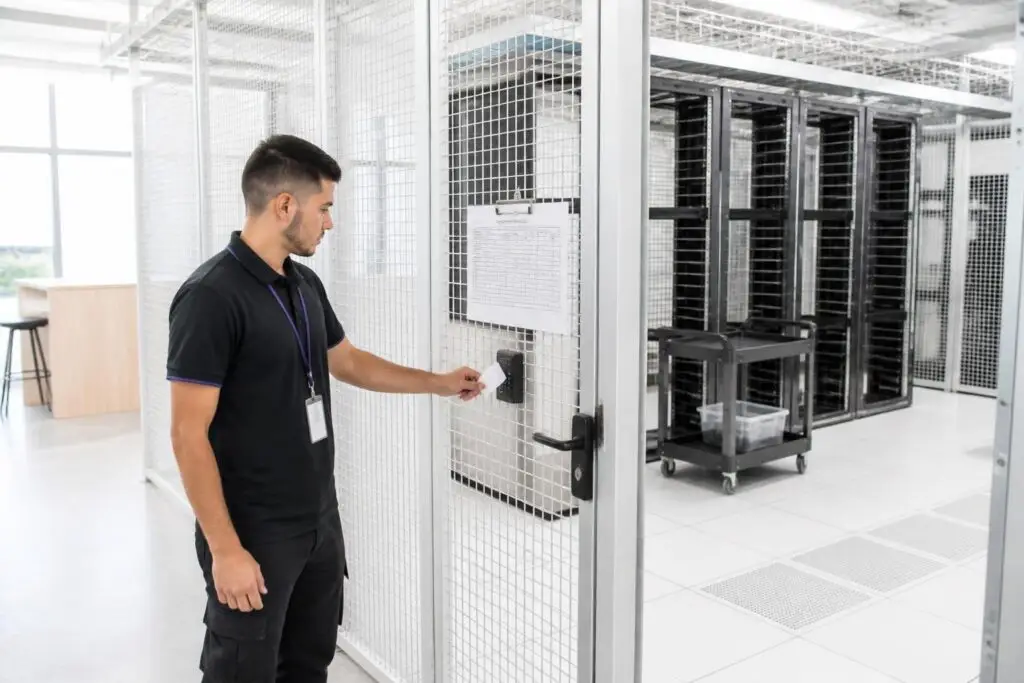
Assuming bare metal always costs more than a VPS can push buyers toward the wrong tier before they even compare specs.
Common Misconceptions About Bare Metal Servers That Lead to Poor Decisions
Three misconceptions consistently distort how buyers evaluate bare metal, and correcting them before you compare plans will save you from choosing the wrong infrastructure tier entirely.
The first is the assumption that bare metal always costs more than a VPS at scale. At low resource levels, a VPS is typically cheaper. But as workload demands grow — more CPU cores, higher RAM allocation, greater storage throughput — the gap narrows. A VPS that must be vertically scaled multiple times, combined with the licensing and management overhead that accumulates on each tier, can reach or exceed the cost of a single dedicated server that was right-sized from the start.
Total cost of ownership, not the headline monthly rate, is the accurate comparison point.
The second misconception is that provisioning a bare metal server always takes days. Automated provisioning pipelines have made same-hour or next-hour delivery realistic for standard configurations at many providers.
Custom hardware builds or specific compliance-oriented configurations may still carry longer lead times, but treating all bare metal as inherently slow to deploy leads teams to default to VPS for speed reasons alone — often at a performance cost they only notice under sustained load.
The third, and arguably most consequential, misunderstanding is that unmanaged equals insecure. An unmanaged plan means the provider does not administer the OS on your behalf — it does not mean the underlying infrastructure lacks physical security, network-layer DDoS protection, or data-center controls. Security posture on an unmanaged server depends on what your team builds above the hardware layer. A well-hardened unmanaged server can be more secure than a poorly configured managed one.
A structured overview of dedicated server configurations — covering provisioning timelines, management scope, and true cost structures — can help you pressure-test these assumptions against real plan details before you commit.
Bare metal vs virtualized vs shared: isolation and who operates the stack
| Criterion | Bare metal | Virtualized (VPS / cloud VM) | Shared hosting |
|---|---|---|---|
| Hardware tenancy | One tenant owns the physical machine | Many guests share one host via a hypervisor | Many sites share one OS and resource pool |
| Performance shape | Predictable latency and full hardware throughput | Good average, variable under noisy neighbors | Unpredictable; neighbors dominate peaks |
| Provisioning speed | Hours to days for a physical build-out | Minutes to clone a machine image | Minutes; almost no hardware choice |
| Who patches the stack | You (or a managed add-on) own kernel and firmware risk | Provider owns the hypervisor; you own the guest OS | Provider owns almost everything below the app |
| A fit if | You need isolation, dedicated accelerators, or certified single-tenant hardware | You need elastic capacity more than raw isolation | You need a cheap presence, not guaranteed compute |
| Not a fit if | Traffic swings by the hour and idle hardware cost is unacceptable | You need hardware-level isolation or custom firmware | Latency-sensitive runtimes or tenancy scopes that require a whole machine |
Conclusion – Is Bare Metal the Right Foundation for Your Infrastructure?
A bare-metal server is a physical machine allocated to one customer. The customer may run an operating system directly or install a hypervisor for internally managed virtual machines. Physical single tenancy removes unrelated provider tenants from the host, while actual performance still depends on hardware, software, storage, networking, and workload design.
Whether your priority is eliminating noisy-neighbor interference, meeting a compliance framework, or simply scaling a workload that has outgrown shared or virtualized infrastructure, the decision ultimately comes down to one question: does your workload demand guaranteed compute resources that no other tenant can erode?
If dedicated hardware fits your workload, use our dedicated server recommendation to evaluate hardware, management responsibility, and total cost before comparing providers.