

When a dedicated server loses its network connection or freezes completely, the standard response — logging in remotely via SSH or a web-based control panel — becomes impossible. The very tool you would normally use to fix the problem is unavailable precisely because the problem exists. This is the operational gap that out-of-band management was designed to close, and IPMI is the technology most commonly found at its center.
IPMI, which stands for Intelligent Platform, is a standardized hardware-level interface built directly into a server's motherboard. It operates on its own dedicated network connection and its own power circuit, completely independent of the host operating system. That independence is what makes it valuable: whether the OS has crashed, the primary network interface has failed, or the server is stuck in a boot loop, IPMI remains reachable and ready to accept commands.
For IT managers, DevOps engineers, and technical teams managing dedicated servers remotely, understanding IPMI is not optional — it is a foundational competency. Without it, any serious hardware fault requires a physical visit to the data center, which translates directly into extended downtime and unplanned costs.
What Is IPMI on a Dedicated Server?
IPMI on a dedicated server is a hardware-level embedded directly into the server’s motherboard that lets you monitor, control, and recover the machine without relying on the operating system or the primary network connection. It is the technical foundation of what the industry calls out-of-band management: a separate communication channel that remains active even when everything else on the server has stopped responding.
To understand why that distinction matters, consider the two ways a remote team can interact with a server. In-band management uses the same network path and the same OS stack as your applications — SSH sessions, web-based control panels, and remote desktop tools all fall into this category.
They are convenient when the server is healthy, but they share one critical weakness: they fail the moment the OS crashes, the primary network interface goes down, or a misconfigured update locks the system into a failed boot state. Out-of-band management bypasses that dependency entirely.
IPMI connects through a dedicated network port, draws power from a separate circuit, and communicates directly with the baseboard management controller — a small, purpose-built processor that stays active regardless of what the main CPU is doing.
The IPMI standard itself defines a common protocol for this communication, which means the core functionality is consistent across server hardware from different manufacturers. A provider provisioning a modern dedicated server will typically expose IPMI access through a web-based interface or a command-line tool, giving your team a browser-based console, power control, and sensor data without requiring anyone to be physically present at the data center.
For teams evaluating dedicated server options, the Dedicated Server Provisioning – From Order to Live Server article explains how IPMI access is typically handed off at the point of server delivery. Understanding what IPMI offers at the hardware level is the first step toward knowing whether a provider's remote management setup genuinely protects your uptime.
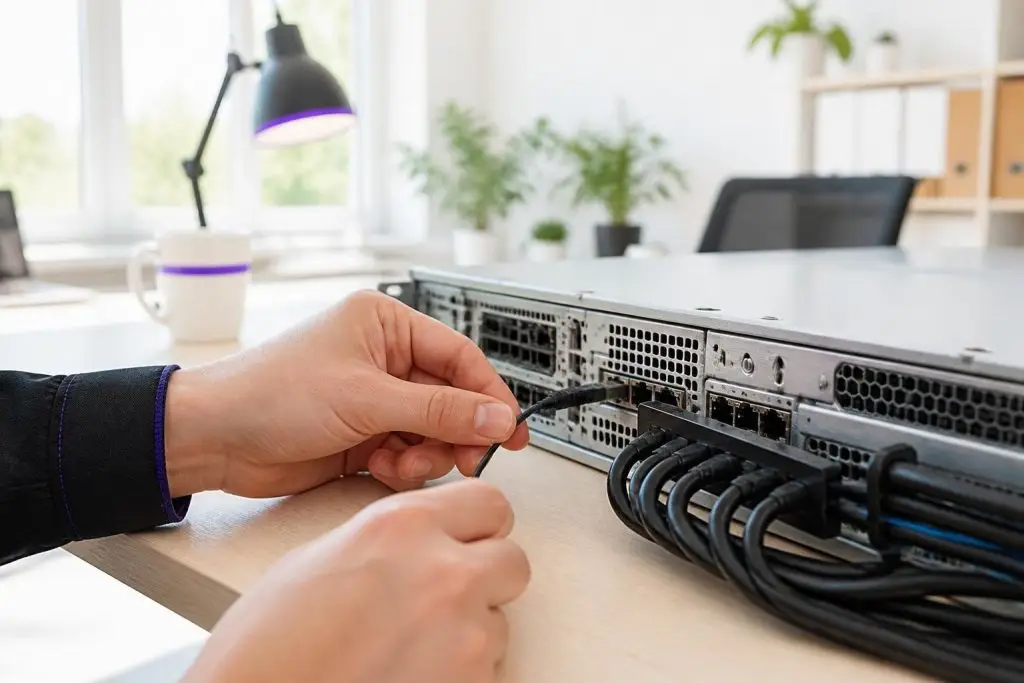
The BMC draws on standby power to maintain its out-of-band channel, but a complete loss of power at the source cuts that connection just as decisively as it cuts everything else in the rack.
How Out-of-Band Management Works at the Hardware Level
That separation has a practical constraint worth understanding: the BMC remains reachable only as long as the chassis receives standby power. A full power loss at the PDU or a tripped breaker severs the out-of-band connection just as completely as it severs everything else. Providers who advertise always-available IPMI access are implicitly promising redundant power delivery to the rack, not magic — a distinction that matters when evaluating uptime guarantees.
The BMC authenticates the request, then exposes a set of hardware interfaces: a virtual serial console that mirrors the server's output at the firmware level, power control commands that can cycle or hard-reset the machine, and a virtual media channel that lets you mount a remote ISO image as though it were a physical disc inserted into the drive bay. Each of these functions operates below the OS layer, which is precisely what makes them useful when the OS itself is the problem.
The BMC also continuously polls an array of onboard sensors: CPU temperature, fan speed, voltage rails, and chassis intrusion status, among others. These readings are delivered through a standardized protocol, so your team can query them from a monitoring platform without any software running on the server itself. That continuous sensor telemetry gives operations teams an early warning signal before a thermal or power issue escalates into an outage.
For teams that want to understand how power redundancy and cooling architecture interact with these sensor readings, Dedicated Server Power and Cooling – What TDP and Redundant PSUs Mean covers that layer in depth. Providers that offer well-structured remote management access — including granular BMC permissions and dedicated IPMI network segmentation — give you a meaningful operational safety net that goes well beyond a simple reboot button.
IPMI, iDRAC, iLO, and IPMI 2.0 – What the Labels Actually Mean
Then open industry standard that defines how hardware management data is structured and transmitted.
IPMI 2.0 mandates 256-bit AES encryption and remote KVM, but vendor layers above that baseline vary dramatically.
The practical decision point is which version of the standard a server advertises. IPMI 2.0, the version in widespread use today, added two significant capabilities over its predecessor: encrypted communication using 128-bit or 256-bit AES, and a standardized remote console protocol for keyboard, video, and mouse control over a network connection.
Any server listing IPMI 2.0 compliance will support those functions regardless of board vendor — but the moment you move into proprietary layers above the baseline, feature parity disappears and provider-specific tooling begins to matter.
These additions made remote server access meaningfully more secure and more practical for day-to-day operations. Any server that advertises IPMI 2.0 compliance will support those core functions regardless of which hardware vendor manufactured the board.
Where proprietary platforms diverge from the baseline standard is in the layer built on top of it. A vendor-branded controller typically adds a polished web interface, more granular user role management, virtual media support with higher compatibility, and tighter integration with the vendor's own hardware diagnostics.
Some implementations also expose a dedicated mobile interface or a REST-based API that allows scripted management at scale — a meaningful advantage for teams operating many servers in parallel. These extras are tied to a specific hardware ecosystem, so they do not transfer when you change server vendors.
When comparing dedicated server options, a useful resource that maps the full range of provider management features — including which remote access capabilities are included versus priced as add-ons — can help you evaluate the real operational value behind the label on a spec sheet. The core principle remains consistent: IPMI 2.0 compliance guarantees the baseline; the vendor layer determines how far beyond that baseline you can reach.

Beyond simple reboots, IPMI gives administrators direct hardware-level control — including sensor monitoring, console access, and power cycling — that remains available regardless of the operating system's state.
What Can You Actually Do Through an IPMI Interface?
The more granular question is what those features actually let you do at the hardware level — and where the boundaries of remote control end.
What that comparison won't always surface is the operational floor those capabilities create: direct hardware control that remains available whether the OS is unresponsive, mid-reboot, or not yet installed.
That independence from the OS is what separates a well-managed dedicated server from one that requires a physical technician for every critical intervention. You can enter the BIOS, watch the boot sequence, interrupt a failed startup, and correct a misconfigured network setting that would otherwise make the server permanently unreachable.
Remote KVM access is particularly valuable during OS reinstallation, since the server is by definition unreachable through normal network channels at that stage.
Virtual media mounting extends this further. You can attach an ISO image stored on your local machine and have the server boot from it as though a physical disc were inserted. This allows clean OS deployments or recovery environment boots without any physical presence at the data center. Sensor monitoring rounds out the picture: the interface streams real-time readings for CPU temperature, fan speed, voltage, and power draw, and can trigger alerts when thresholds are crossed.
What IPMI does not handle is anything above the hardware layer — application configuration, OS-level firewall rules, and software diagnostics all require separate access.
Why IPMI Is the Safety Net for Remote Dedicated Server Management
IPMI transforms a potentially catastrophic server failure into a recoverable incident that any engineer can resolve from a laptop, regardless of location. Without it, a kernel panic, a failed OS update that corrupts the boot loader, or a misconfigured firewall rule that blocks all inbound traffic leaves only one option: dispatching a technician to the data center floor.
That physical intervention takes time, incurs cost, and extends the outage window in ways that are entirely avoidable when out-of-band access is already in place.
Consider a concrete scenario. An engineer pushes a network configuration change late at night. The change contains an error that drops all SSH access. With standard in-band management, the server is now unreachable: there is no operating-system-level path back in.
With IPMI active, the same engineer opens a remote KVM session through the BMC's dedicated network port, observes exactly where the configuration failed, corrects it, and restores connectivity — all within minutes. No ticket to the data center, no waiting for business hours, no extended downtime. The incident that would have measured in hours instead measures in minutes. For workloads where downtime carries direct revenue consequences, that difference is not marginal.
This is why experienced infrastructure teams treat IPMI access not as a premium add-on but as a baseline provisioning requirement. When evaluating providers, the relevant questions are whether IPMI access is included in the plan or billed separately, whether the BMC sits on an isolated management network, and whether remote KVM sessions are available without additional licensing fees. These details vary more than spec sheets suggest.
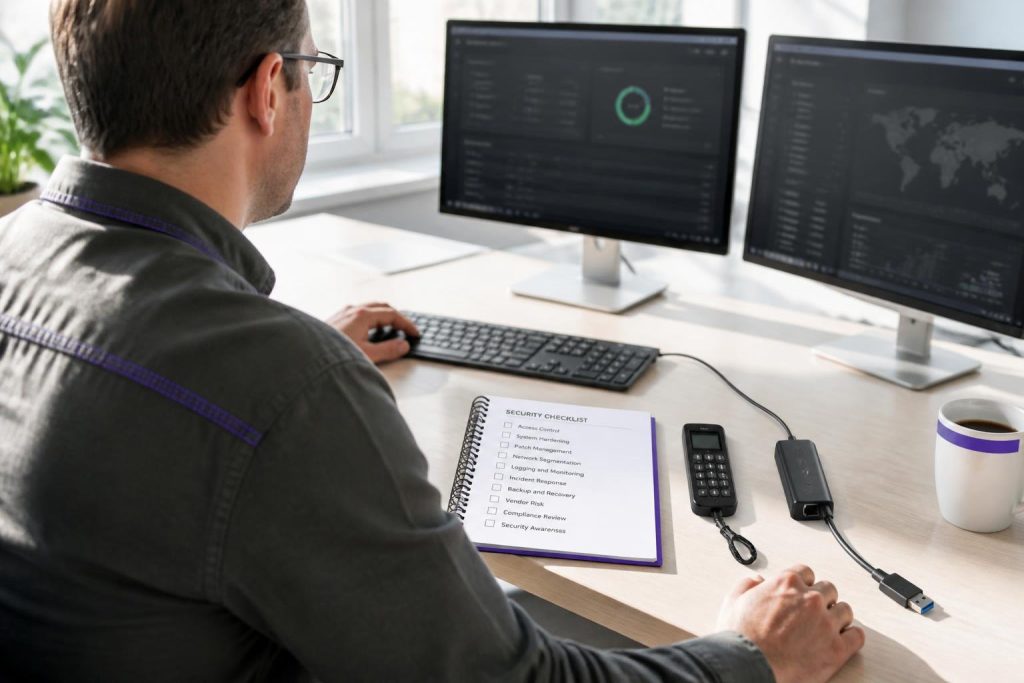
The out-of-band channel that makes remote hardware control possible also introduces a persistent attack surface that sits below the OS, making network isolation and credential hygiene critical rather than optional.
How Does IPMI Security Work — and Where Does It Fall Short?
Security is where that distinction becomes consequential: the same out-of-band channel that makes IPMI operationally powerful also makes it a persistent attack surface that exists below the operating system and cannot be patched or firewalled through conventional OS-level controls.
IPMI 1.5 sends credentials in the clear, making any unencrypted network path a liability.
IPMI’s security model is only as strong as the configuration applied to it. A BMC port reachable from a public IP with factory credentials is functionally an open door to the entire server — and because the BMC operates independently of the OS, compromising it grants an attacker capabilities that survive a full OS reinstall.
The most documented risk is default credential exposure. Many BMC implementations ship with factory-set usernames and passwords that are publicly known. If a team deploys a server without changing these credentials, and the management port is reachable from a public IP address, the server is effectively open to anyone aware of those defaults.
A second structural weakness lies in older protocol versions: the original IPMI 1.5 specification transmits session data without mandatory encryption, meaning credentials and commands can be intercepted on any network path the traffic crosses. IPMI 2.0 addressed this by introducing AES-based encryption for remote sessions, but only if the implementation is correctly configured to enforce it — the protocol does not guarantee encrypted-only operation out of the box.
The standard mitigation approach combines three controls. First, the BMC port should sit on a dedicated management VLAN that is completely isolated from both the public internet and the server's primary data network. Second, default credentials must be replaced immediately at provisioning, and access should be restricted to specific management IP addresses.
Third, BMC firmware must be patched regularly, since vulnerabilities in the firmware itself have been disclosed and exploited independently of protocol-level weaknesses.
The residual limitation teams should acknowledge is that even a correctly isolated IPMI interface concentrates enormous privilege in a single access point. A compromised management network credential grants power-cycle control, console access, and virtual media mounting simultaneously.
Managed vs. Unmanaged Dedicated Servers – Who Handles the BMC?
On an unmanaged dedicated server, the responsibility for configuring and securing the BMC falls entirely on your team. On a managed plan, the provider takes ownership of that layer — hardening the interface, monitoring hardware sensors, and responding to alerts before a problem escalates. This distinction is not cosmetic. It determines who acts when a sensor threshold is breached at 2 a.m. and whether the itself has been locked down correctly from day one.
These are not one-time tasks. BMC firmware vulnerabilities are disclosed periodically, and an unpatched interface on an otherwise well-secured server can represent the weakest point in the entire stack.
Teams with a dedicated sysadmin or DevOps engineer who already manages server infrastructure can absorb this work without difficulty. Teams without that in-house capability face a genuine operational gap — one that is easy to underestimate until something goes wrong.
A managed provider typically includes BMC configuration and monitoring as part of the service agreement, but the scope varies considerably. Some providers harden the interface and monitor sensor data but stop short of responding to alerts autonomously; others offer proactive intervention, including power-cycle actions and console-level diagnostics, without requiring the customer to log a ticket first.
Before signing, verify exactly which BMC functions the provider controls, which remain tenant-accessible, and what the escalation path looks like when hardware sensors fire outside business hours. Service level agreements often describe response times in general terms without specifying whether BMC-layer incidents are treated differently from application-layer tickets.
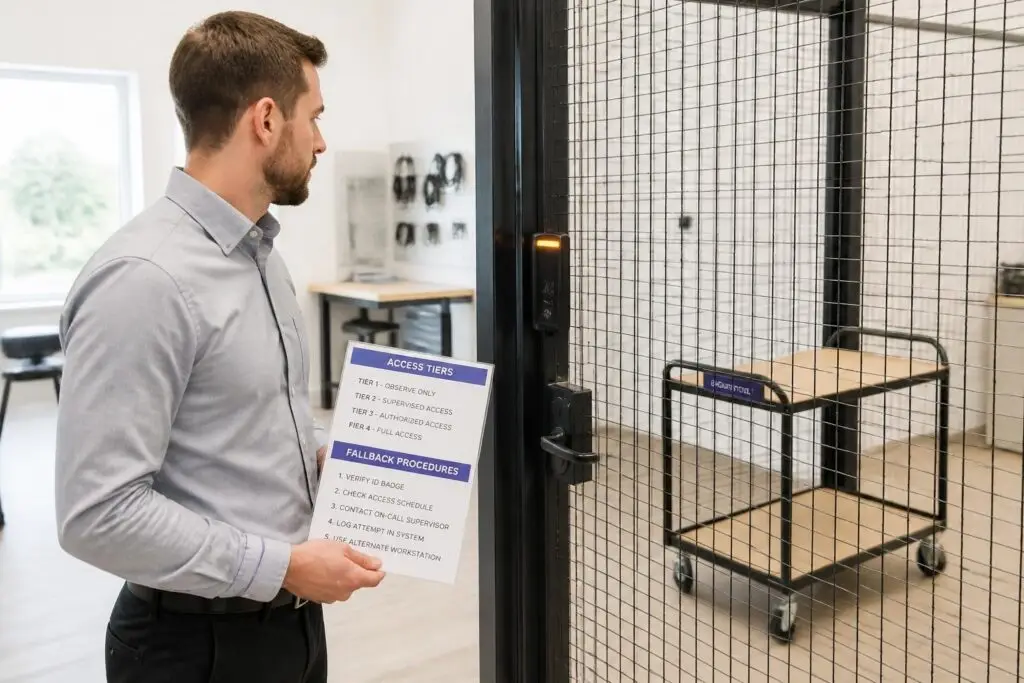
Teams that discover IPMI's boundaries only during an active incident are far less prepared than those who have already mapped where remote management ends and physical intervention must begin.
Common IPMI Limitations and Misconceptions to Know Before You Rely on It
Understanding that boundary before an incident occurs is what separates teams that use out-of-band management effectively from those that discover its constraints at the worst possible moment.
The most common misconception is that IPMI provides a full remote desktop experience. The virtual console delivered through a browser or Java client transmits raw video output from the server's graphics hardware. That pipeline introduces noticeable latency — often enough to make routine tasks like editing configuration files or navigating a graphical interface genuinely cumbersome. IPMI is designed for emergency recovery and hardware diagnostics, not for day-to-day SSH replacement.
Teams that treat it as a primary access method will find it frustrating under normal conditions and may overlook optimizing their standard SSH or remote desktop setup as a result.
A second gap involves virtual media bandwidth constraints. Mounting a remote ISO image through an IPMI interface works, but the transfer rate is limited by the out-of-band network path. Installing a full operating system via virtual media can take considerably longer than a local installation or a network boot from a provider-managed image repository. For time-sensitive recovery scenarios, that difference matters.
It is also worth noting that IPMI does not interact with the data layer at all: a failed drive, a corrupted RAID volume, or lost data cannot be recovered through the BMC. The interface controls power state and console access; storage-level problems require separate tools and, often, physical intervention.
A third area of misunderstanding involves firmware consistency across hardware generations. Older server hardware may run IPMI firmware with fewer security controls, narrower protocol support, or limited browser compatibility — meaning the interface behaves differently depending on the chassis vintage. Teams managing a mixed hardware estate should verify firmware versions at provisioning rather than assuming uniform behavior.
Out-of-Band Management Interfaces: iDRAC vs iLO vs IPMI
| Criterion | iDRAC | iLO | IPMI |
|---|---|---|---|
| Dependency on OS | Operates independently; BMC runs when OS is down | Operates independently; dedicated microcontroller persists | Operates independently; BMC draws separate power |
| Scope of standard | Vendor firmware built on IPMI 2.0 specification | Vendor firmware built on IPMI 2.0 specification | Published open specification; version 2.0 current |
| Virtual console access | Remote KVM including BIOS-level keyboard and display | Remote KVM including BIOS-level keyboard and display | Serial-over-LAN and basic KVM depending on implementation |
| Hardware sensor visibility | CPU temp, fan speed, voltage, power draw reported | CPU temp, fan speed, voltage, power draw reported | Standardized sensor data: temperature, voltage, fan speed |
| Network isolation | Dedicated management NIC separate from primary interface | Dedicated management NIC separate from primary interface | Management channel separate from main network stack |
Conclusion – IPMI Is Infrastructure Insurance Worth Understanding
IPMI is not a feature you will use every day, but it is the feature that determines whether a server outage becomes a recoverable incident or an extended crisis. The ability to power-cycle hardware, access a console when the operating system will not respond, and read sensor data without dispatching a technician represents a meaningful operational safety net. That value is most apparent not during normal operations, but precisely at the moment when everything else has failed.
Gaps in out-of-band management only surface at the worst possible moment, so evaluate them before signing any contract.
Understanding what IPMI does, where its boundaries sit, and how your provider divides responsibility over the BMC interface allows you to plan for failure scenarios before they occur — rather than discovering gaps under pressure.
Choosing a dedicated server without evaluating out-of-band management is a common oversight that often becomes visible only during an incident.